
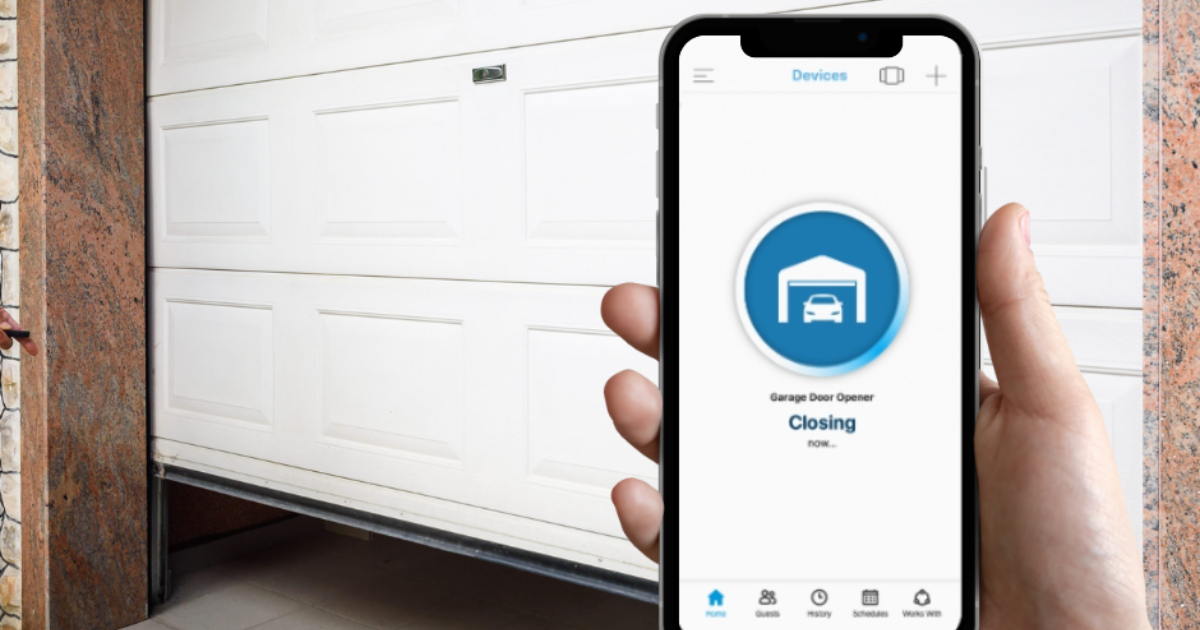
You tap the app on your phone, the garage door starts to close, and then the notification pops up. Failure to close. You look out the window and the door appears shut. Or maybe it is still gaping open. Either way, your smart home system is telling you something went wrong, and now you are left wondering whether the problem is the app, the Wi-Fi, or the garage door itself.
Smart garage door controllers add undeniable convenience. Being able to check whether you left the door open from your desk at work, or asking Alexa to close it while you are carrying groceries, feels like living in the future. But when the technology fails, the frustration is real. The good news is that most failure to close errors stem from one of four causes, and most of them are easy to diagnose.
For homeowners in Trophy Club, Keller, Southlake, Flower Mound, and across DFW, where summer heat can push garage temperatures past 110 degrees, smart opener issues can be particularly maddening. Here is how to sort out what is happening and when the problem requires a professional.
Understanding What the Error Actually Means
A failure to close error from MyQ, Alexa, HomeKit, or any smart controller means the app sent the command, the opener received it, and the door attempted to close, but something prevented the operation from completing successfully. The app then reports the failure back to you.
The confusion comes from the fact that the door may actually be closed when you check it. In those cases, the door likely closed on a subsequent attempt, or the error was triggered by a momentary sensor issue that resolved itself. Alternatively, the door may have reversed partway down and ended up partially open. The app usually does not distinguish between these outcomes, which is why visual confirmation matters.
Some smart controllers report failures based on a timeout rather than actual door position. If the door takes longer than expected to close, perhaps because it is dragging slightly on the tracks, the app may report a failure even though the door eventually reaches the closed position.
The Four Most Common Causes
When a smart controller reports a failure to close, the root cause almost always falls into one of four categories. Working through them in order will solve most problems without a service call.
Sensor Obstruction or Misalignment
The safety sensors mounted near the floor on either side of the garage door are the single most common cause of a failure to close. Federal law requires that all automatic garage door openers include these sensors, which project an invisible beam across the door opening. If anything breaks that beam while the door is closing, the door must reverse immediately.
When the sensors are obstructed, misaligned, dirty, or affected by direct sunlight, the opener thinks something is blocking the path and refuses to close. The door may start down, travel a few inches, and then reverse. The smart controller interprets this reversal as a failure to close and sends the error.
Start by checking the sensors. Look for cobwebs, leaves, dirt, or stored items blocking the lens. Clean both lenses with a soft cloth. Check the LED indicators on the sensors. One should be steadily lit and the other should be steadily lit when aligned. If one is blinking, the sensors are misaligned. Gently adjust the bracket until both LEDs are solid.
In North Texas, direct afternoon sunlight blasting into west-facing garages can overwhelm the sensor beam and cause intermittent failures. If the problem only happens at certain times of day, sunlight interference is the likely cause. Some homeowners install small cardboard shields above the sensors to block the sun without affecting the beam.
Connectivity Drop
Smart controllers depend on Wi-Fi. If the signal in your garage is weak or unstable, the command to close the door may not reach the opener reliably. Or the opener may close the door but fail to report the status back to the app, triggering a false failure message.
Check your garage’s Wi-Fi signal strength. If your router is on the opposite side of the house, the signal may struggle to penetrate walls and reach the opener. Metal garage doors, especially insulated models with reflective backing, can block or reflect Wi-Fi signals.
Common solutions include moving the router closer to the garage, adding a Wi-Fi extender, or upgrading to a mesh network system. Some homeowners run an ethernet cable to the garage and install a dedicated access point. Before spending money on hardware, try power cycling the opener and the router. A simple reboot resolves more connectivity issues than you might expect.
App Permissions and Automation Conflicts
Smart home ecosystems are complex. A routine set up in Alexa, a geofencing rule in HomeKit, or a scheduled close in the MyQ app can conflict with manual commands. If an automation tries to close the door while you are actively opening it, or if two commands arrive at nearly the same time, the opener may behave unpredictably.
Review all automations, routines, and schedules in every app that connects to your garage door. Look for overlapping commands, conflicting schedules, or geofencing rules that trigger at unexpected times. Disable automations temporarily to see if the failure to close error stops.
App permissions can also cause issues. If the MyQ or HomeKit app loses permission to send notifications or control the device after a phone update, commands may fail silently or generate errors. Check that the app has full permissions and is running the latest version.
Firmware Mismatch
Smart controllers and garage door openers both run firmware that controls their behavior. When the firmware on the smart controller updates but the opener firmware lags behind, communication protocols can drift out of sync. This is particularly common with MyQ systems, where the hub firmware and the opener firmware update on different schedules.
Check the manufacturer’s app for firmware update notifications. Some updates happen automatically. Others require manual confirmation. If your opener is more than a few years old and has never had a firmware update, it may lack compatibility with newer smart home features.
In some cases, a firmware update itself introduces a bug. If the failure to close error started immediately after an update, check online forums and the manufacturer’s support site for known issues. Rolling back firmware is not always possible, but being aware of a widespread bug saves you from chasing a hardware problem that does not exist.
When the Underlying Opener Hardware Is Actually the Issue
Not every failure to close error is a smart home problem. Sometimes the smart controller is accurately reporting a real mechanical failure. If you have ruled out sensors, connectivity, app conflicts, and firmware, the problem may be inside the opener itself.
A worn drive gear, a failing capacitor, or a motor that overheats can all cause the opener to start closing and then stop or reverse. In these cases, the door may behave normally on some attempts and fail on others, which makes the smart controller’s error reporting feel random.
Physical resistance on the door can also cause the opener to reverse. If the tracks are bent, the rollers are worn, or the door is out of balance, the opener’s force settings may trigger a reversal during normal operation. The smart app reports this as a failure to close, but the real problem is mechanical.
Checking Your Garage Door’s Physical Balance
Before blaming the smart controller, verify that your garage door itself is in good mechanical condition. A door that is out of balance, has worn rollers, or is dragging on the tracks will behave inconsistently, and the smart app will report those inconsistencies as failures.
To check balance manually, disconnect the opener using the emergency release cord and lift the door halfway. A properly balanced door should stay in place. If it falls closed or shoots upward, the spring tension needs adjustment. If the door feels heavy to lift or makes grinding noises, the rollers or tracks likely need attention.
A smart controller cannot compensate for a poorly maintained door. Addressing the mechanical issues first often resolves the app errors without any digital troubleshooting at all.
Why DFW Summers Make Smart Opener Errors Worse
The extreme heat in North Texas garages creates conditions that stress both the opener hardware and the smart controller electronics. Garage temperatures can exceed 120 degrees during a summer afternoon. That heat affects Wi-Fi router performance, causes thermal expansion in the door tracks, and pushes opener motors closer to their thermal limits.
When a motor overheats, it may shut down mid-cycle or run intermittently. The smart controller interprets these interruptions as failures and reports them to your phone. The result is a flurry of failure notifications that seem to come from the smart system but are actually caused by the physical hardware struggling in the heat.
If your failure to close errors spike during July and August, heat-related motor stress is a likely contributor. A technician can evaluate whether your opener is properly rated for the conditions in your garage and whether improved ventilation or a more robust motor would solve the problem.
When to Call a Professional
If you have checked the sensors, verified your Wi-Fi, reviewed your automations, and confirmed your firmware is up to date, but the failure to close error keeps happening, it is time to involve a professional. A technician can test the opener’s force settings, inspect the mechanical components, and determine whether the issue is in the smart controller or the opener hardware.
For homeowners in Trophy Club, Keller, Southlake, and across DFW, summer heat adds another variable. High garage temperatures can cause opener motors to overheat and fail intermittently. A technician can evaluate whether your opener is properly rated for the conditions in your garage.
When to Upgrade vs. When to Repair
If your smart controller keeps failing and your opener is more than a decade old, the two problems may be related. Older openers often lack the processing power and firmware support needed for reliable smart home integration. A new opener with built-in smart features may solve both the hardware and the connectivity issues in one step.
A technician can help you evaluate whether your current opener is worth troubleshooting or whether replacement is the more reliable path. Modern openers come with native MyQ, Wi-Fi, and smartphone compatibility, eliminating the need for third-party adapters that create their own failure points.
If you have invested heavily in a smart home ecosystem and the garage door is the weak link, resolving the opener issue restores the reliability of your entire setup. A properly functioning door gives you confidence that your automations, schedules, and remote commands will work as intended.
The Meadows Garage Doors Approach to Smart Opener Issues
At Meadows Garage Doors, we understand the frustration of a smart home system that refuses to cooperate. When you call us about a failure to close error, we start by testing the door’s mechanical operation independent of the smart controller. We check the sensors, the tracks, the rollers, the springs, and the opener motor. Only after confirming the physical system is sound do we evaluate the smart controller integration.
We have been serving North Texas for nearly two decades. Every technician is a Meadows employee. We do not subcontract our work, and we are fully licensed and insured.
If your MyQ, Alexa, or HomeKit system keeps reporting a failure to close, call Meadows Garage Doors. We will figure out whether the problem is digital or mechanical, and we will get your smart garage working reliably again.